One workspace, a complete practice flow
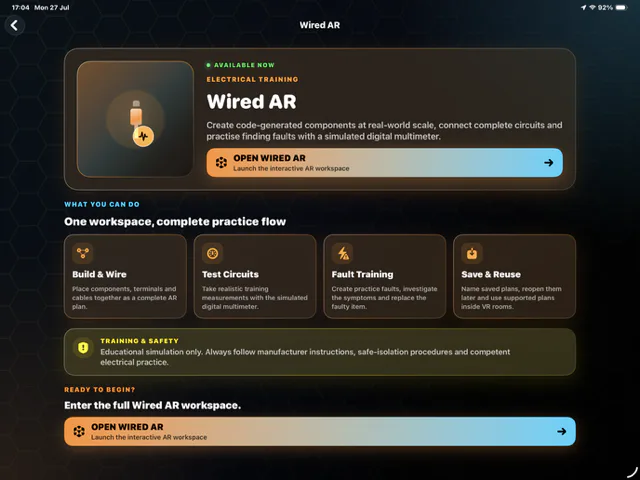
The opening view organises the idea into four stages: build and wire, test circuits, practise faults, then save and reuse the setup. Important details are repeated here because small interface text inside an image should never be the only explanation.
Components become spatial and interactive
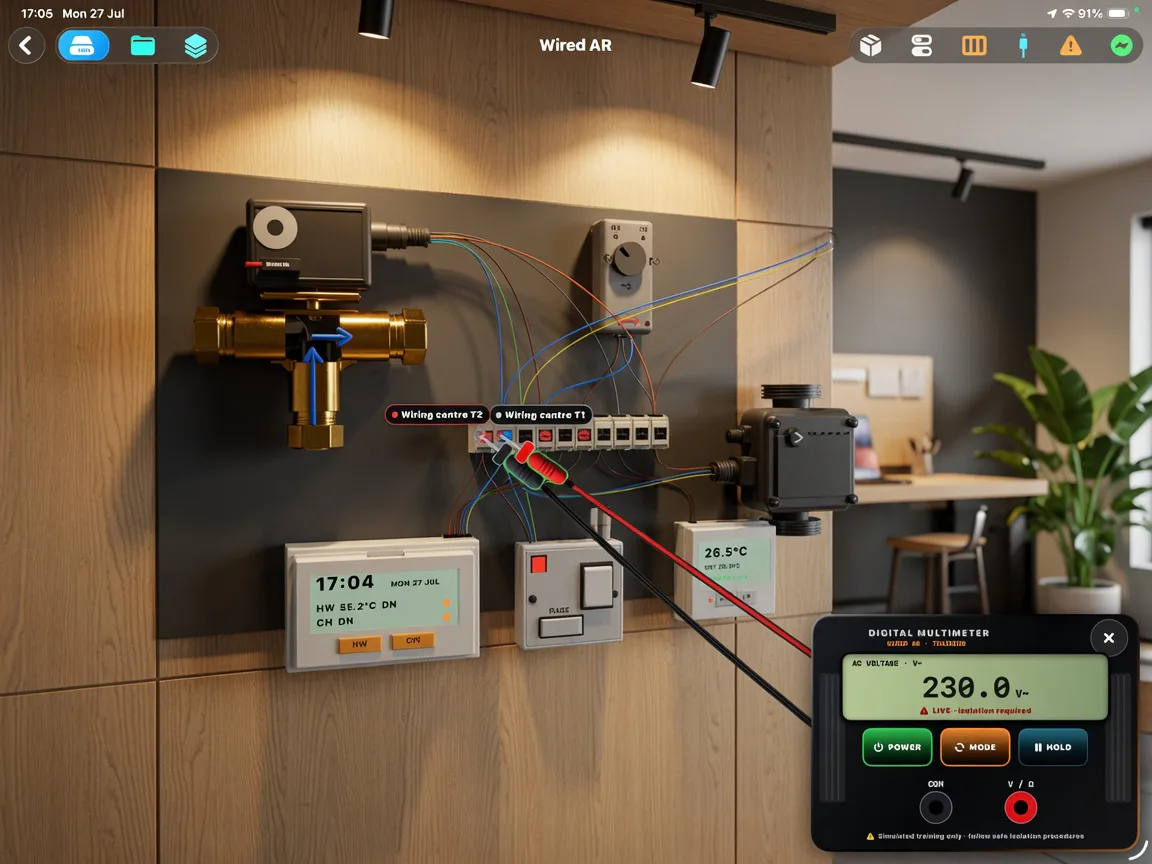
In the workspace, valves, controls, wiring centres and terminals are arranged on a wall-scale surface. Visible cable paths and a simulated meter help explain how the virtual components relate.
The component library, measurements, controls and final lesson structure can all change during Wired AR development.
Educational simulation only
Wired AR is not accredited training, electrical advice, real-equipment diagnosis or a substitute for competent supervision. Never work live. Real electrical work requires the relevant manufacturer guidance, safe-isolation procedure, suitable test equipment, training and local rules.
More from this view
See the experience from another angle.