
HxAR showcase
See the ideas.Then step into them.
Browse HxAR’s visual archive, from the 2.0 release to tools still in development. For the latest Metaverse, property and 3D design screenshots, open the new How To guides.
Explore HxAR 2.3
Earth is just the beginning.
Launch into a larger world, discover Mars and create a place of your own. These are real screenshots from HxAR.
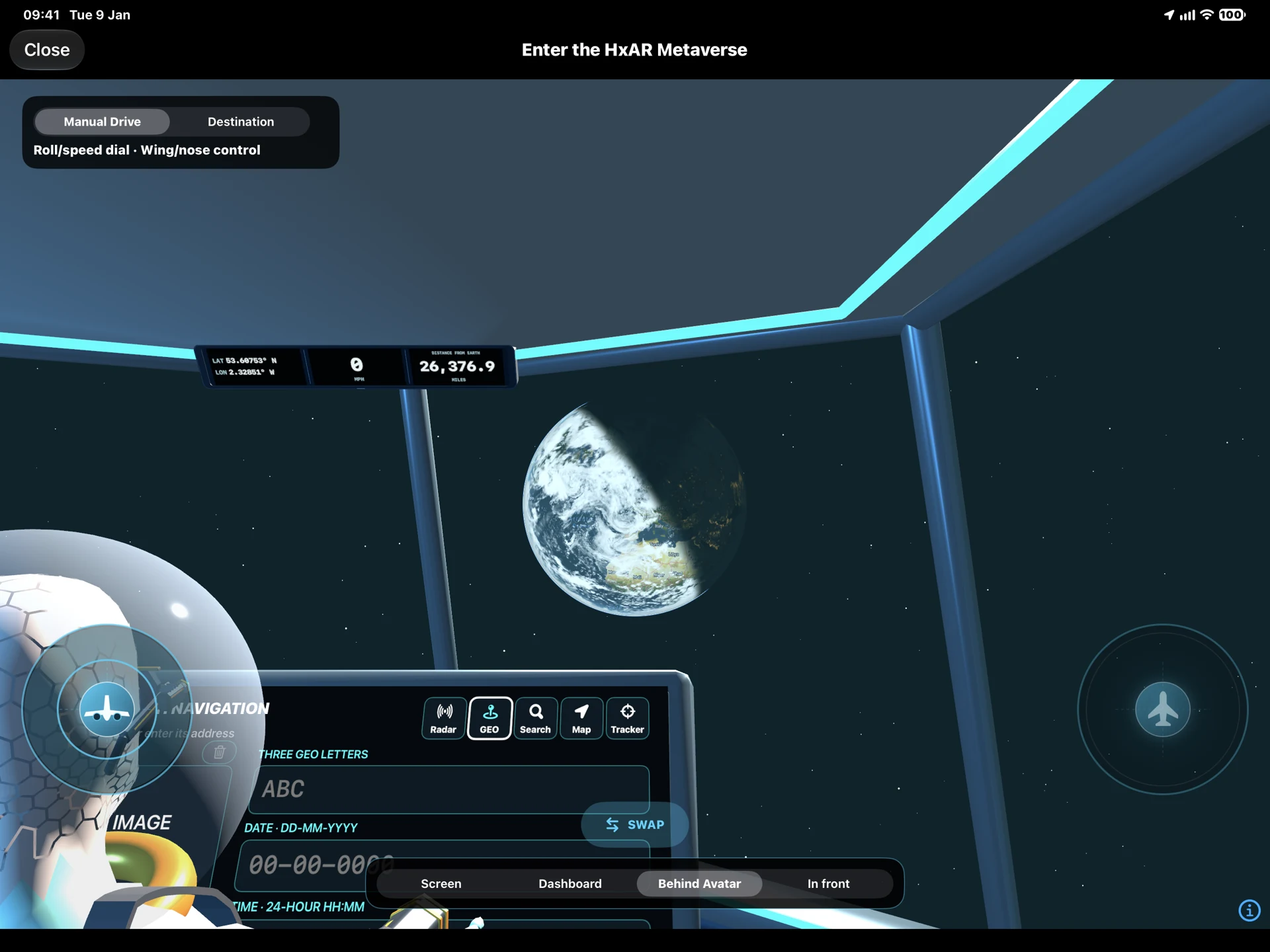
A living planet, day and night.
Explore Earth with clouds, an orbital view and lighting on the dark side of the planet.
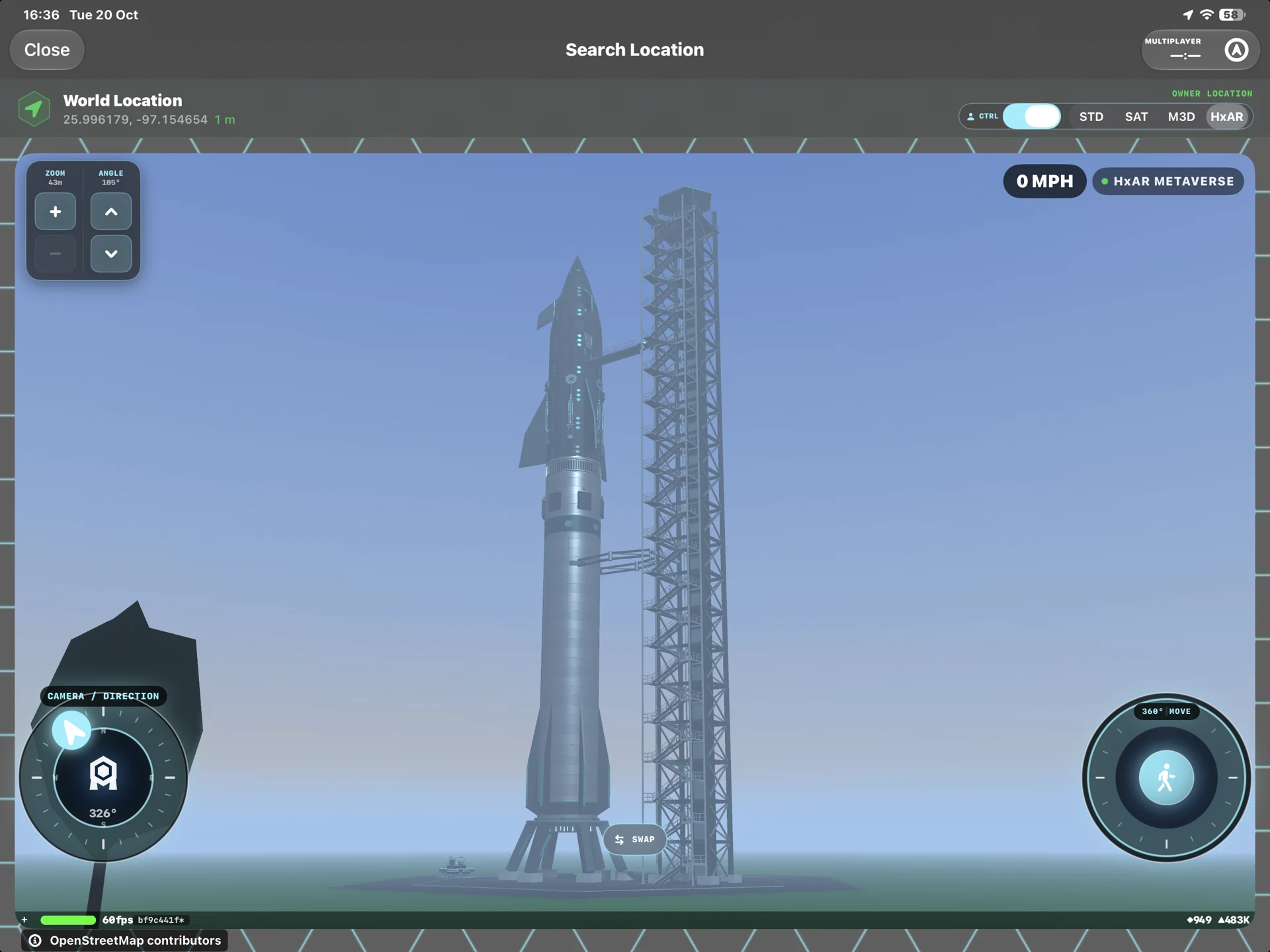
Your journey starts on the launch pad.
Take off in the rocket and fly from Earth to Mars in the HxAR Metaverse.
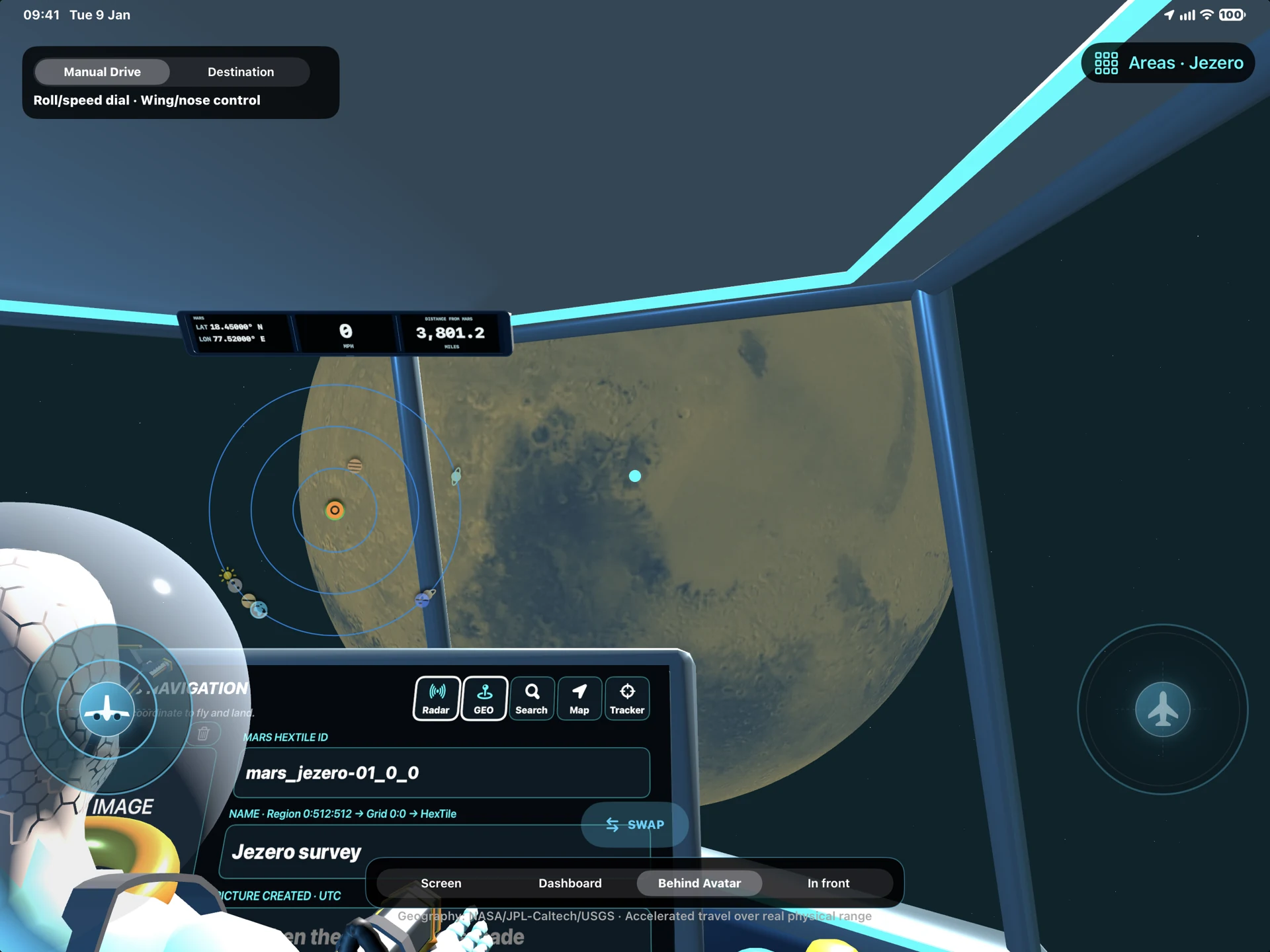
Fly there. Park up. Go underground.
See Mars from the cockpit, arrive at your destination, park the rocket and access underground rooms.
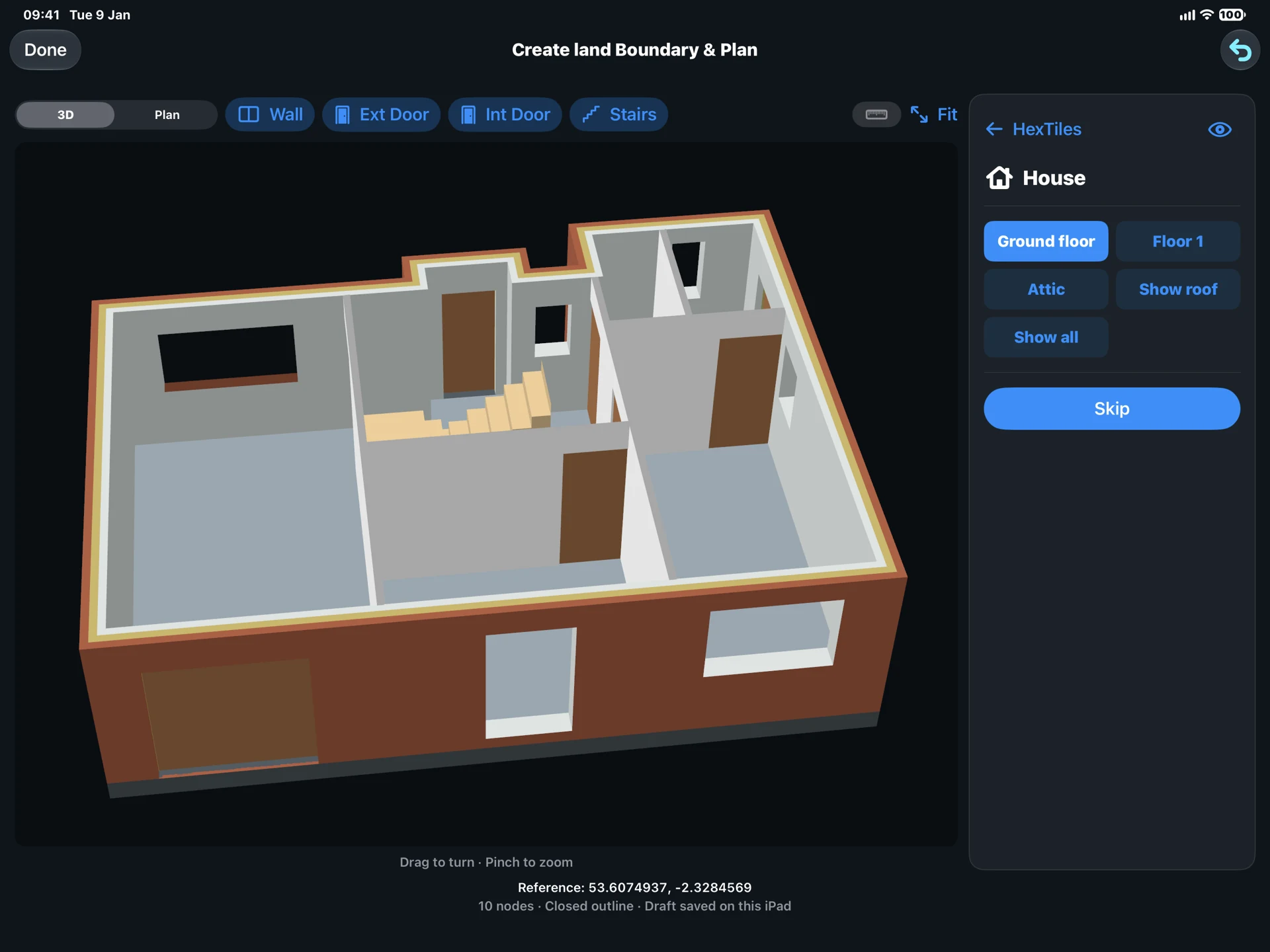
Draw a plan. Make it a place.
Create walls, doors, stairs and floors, explore the rooms in 3D and build a property for the HxAR Metaverse.
Explore the House Plan guide ↗HxAR 2.0 release and development screens
Five visual stories. Ten real views.
These stories preserve 2.0 release and development screens across maps, shared spaces, AR Snooker and Hx Vault. See What’s New for Earth, Mars and 3D property building in HxAR 2.3.
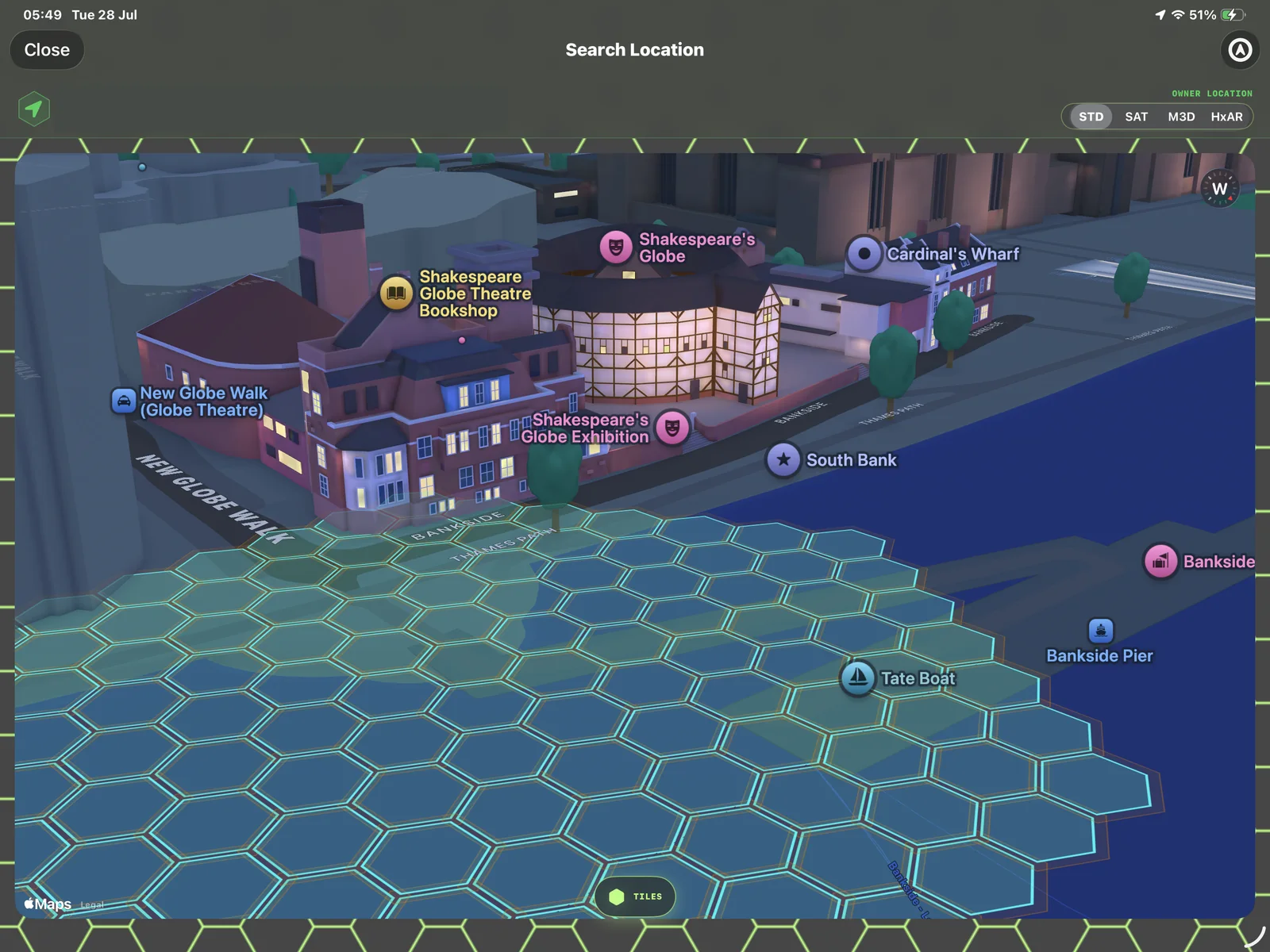
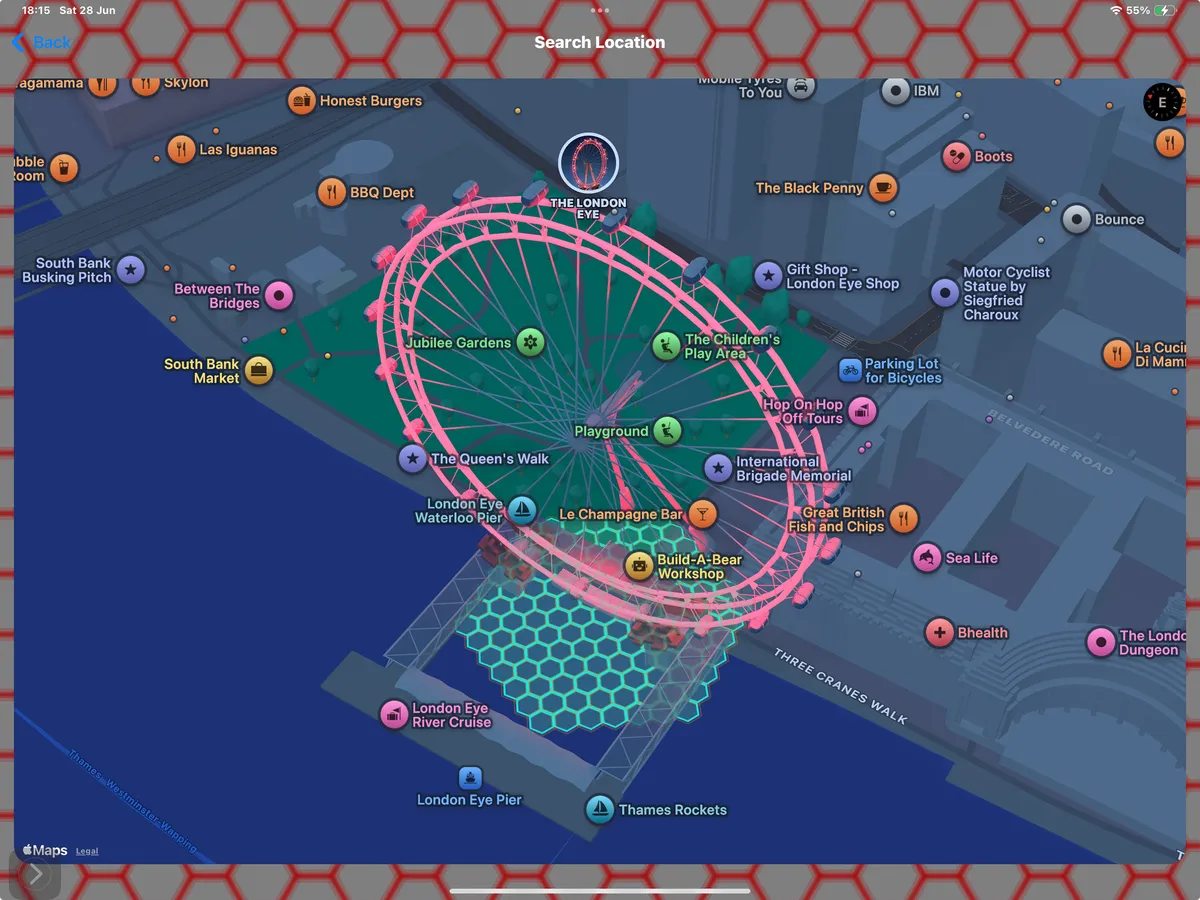
See virtual HexTiles across different map views
See how HxAR 2.0 displays virtual HexTiles across desktop-scale and mobile location views.
Read the visual story ↗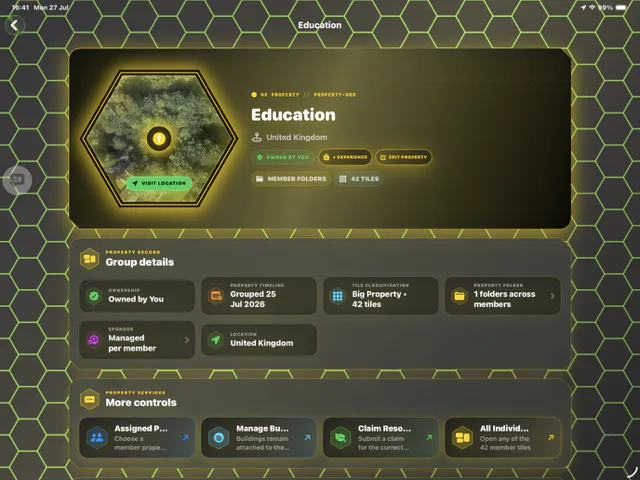
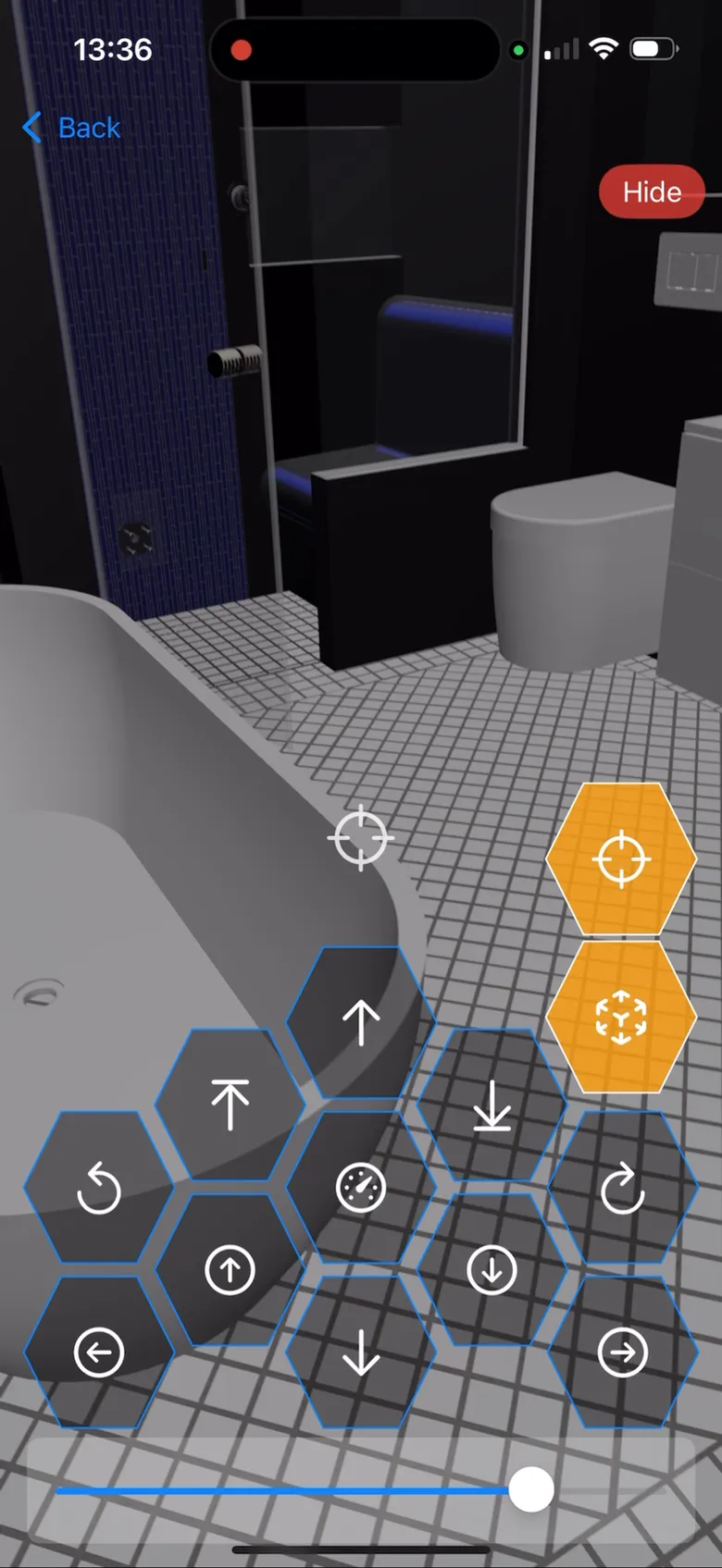
Move from a property record into a digital space
Explore HxAR 2.0 screens for grouping virtual HexTiles, managing an in-app property and moving through its digital interior.
Read the visual story ↗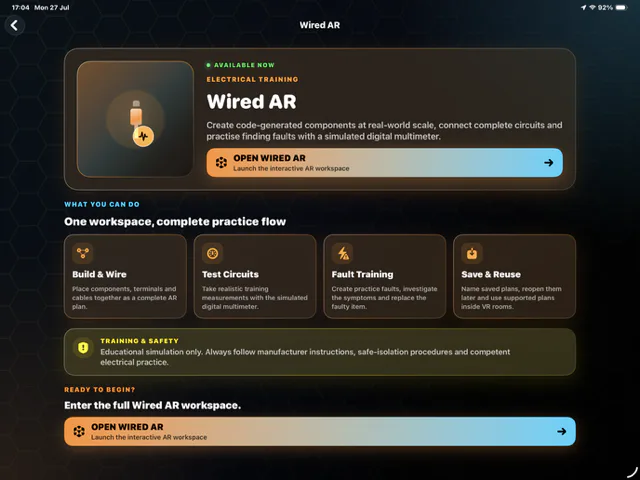
Build, test and diagnose a virtual circuit
Preview Wired AR, an educational electrical-practice simulation in development for HxAR, with virtual circuits, faults and a simulated multimeter.
Read the visual story ↗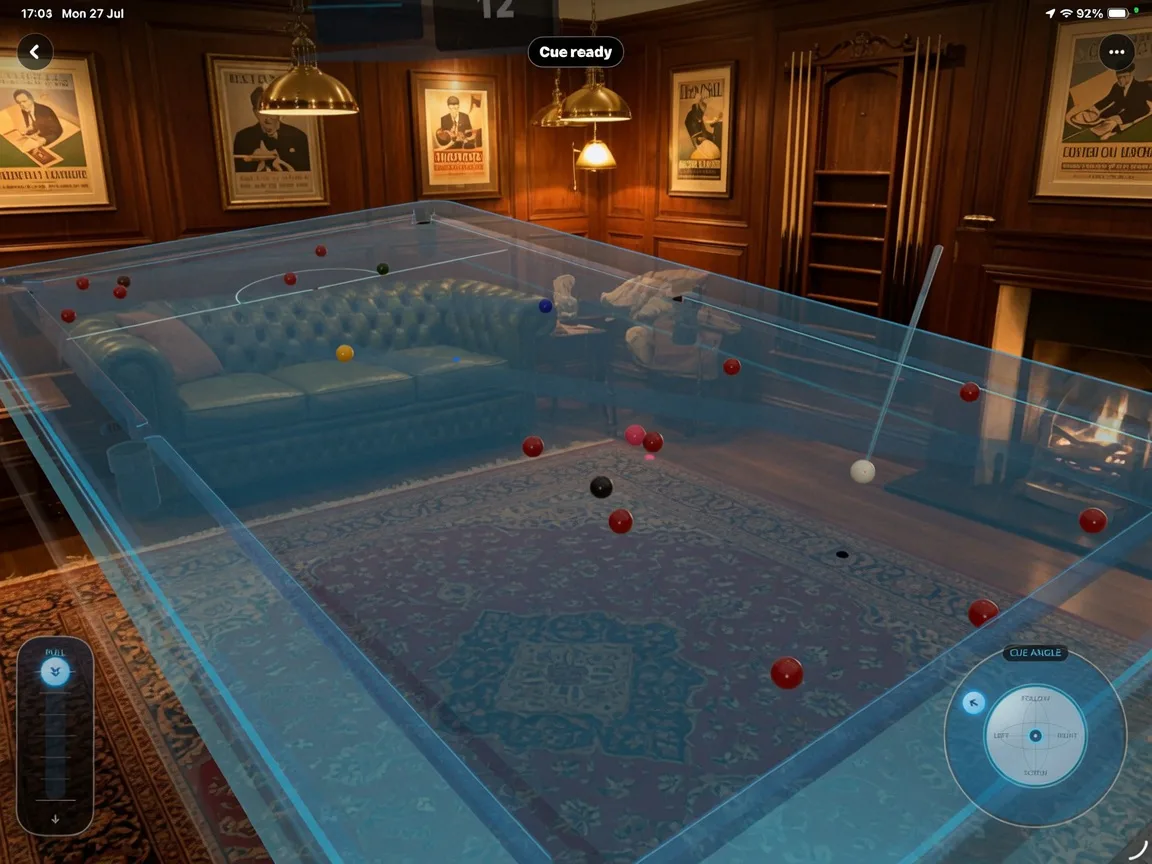
Play in the room and explore a responsive 3D model
See HxAR 2.0 AR Snooker alongside an experimental interactive HxAR-branded vehicle scene.
Read the visual story ↗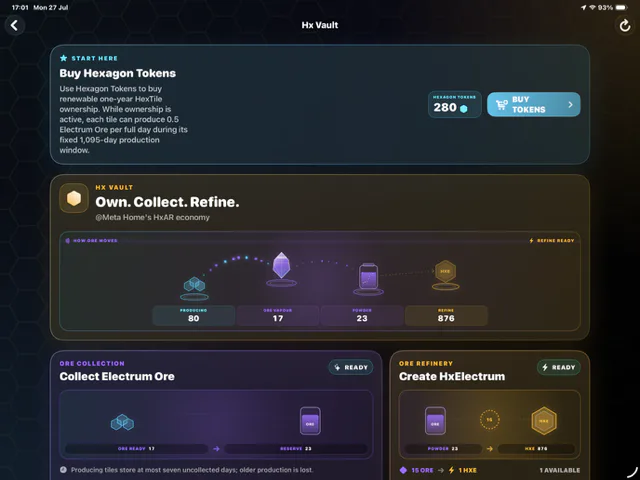
Follow virtual resources through Hx Vault
See the Hx Vault interface in HxAR 2.0, including virtual HexTile entitlements, Ore collection and refinement screens.
Read the visual story ↗Released HxAR 1.x archive
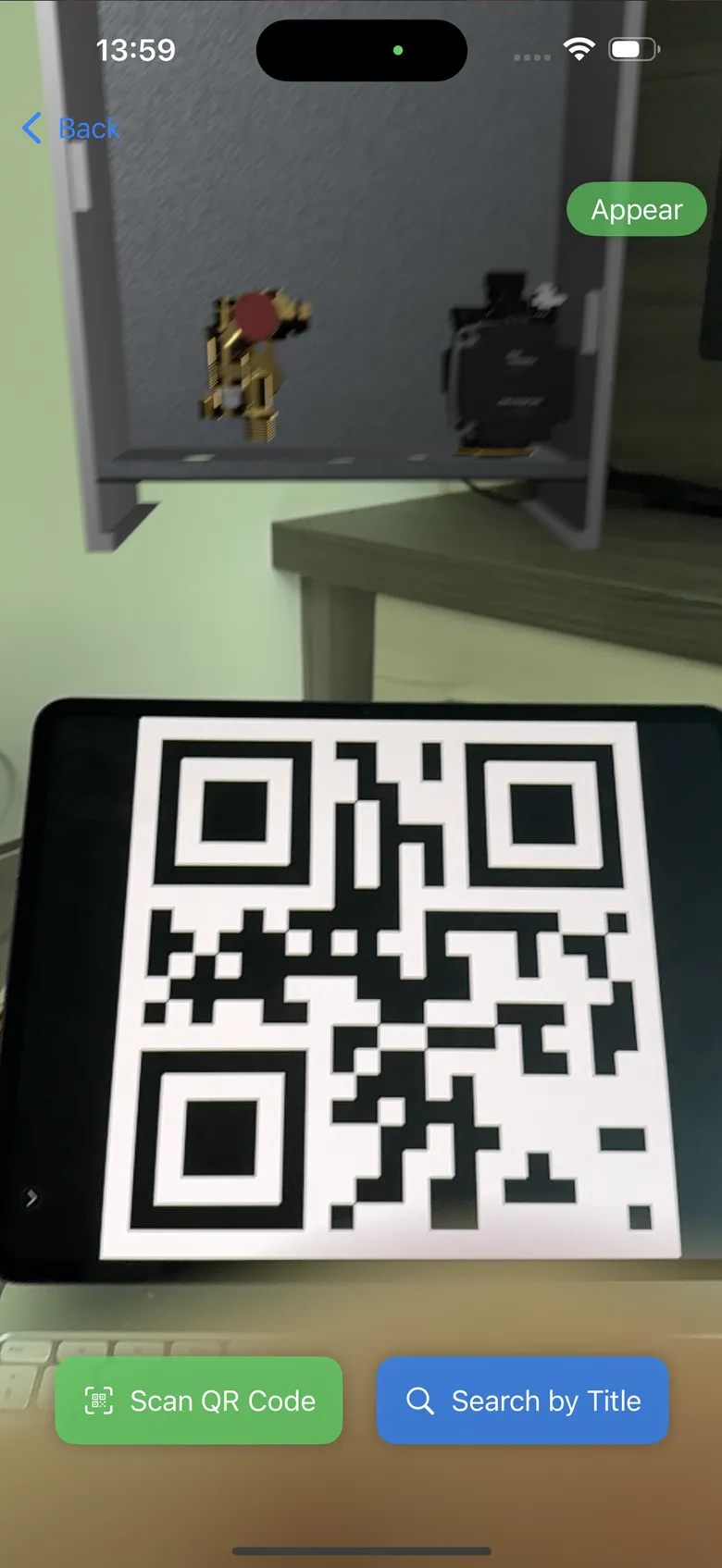
Real app screens from the create-and-place foundation.
These screens show earlier released HxAR workflows. They are preserved as product history and are not presented as HxAR 2.0 interface previews.
From the original website
HxAR 1.0 launch film
Preserved as part of HxAR’s history, this short promotional film introduced the original create-and-place vision in 2025. It does not demonstrate the complete HxAR 2.3 feature set.
Read the launch archive